Tap the balloons, see who’s inside!
Made for ages 3 to 8
A cheerful balloon toy for small hands. Balloons drift up, a tap pops them with a happy sound, and every so often one of the 37 little critters is hiding inside. There is no timer, no score, and no way to lose.
Free on iPhone and iPad, with no ads, nothing to buy, and no internet needed.
Download on the App StorePick a world and the whole screen changes: the paper, the balloons, the sounds, and the Poplings hiding inside.
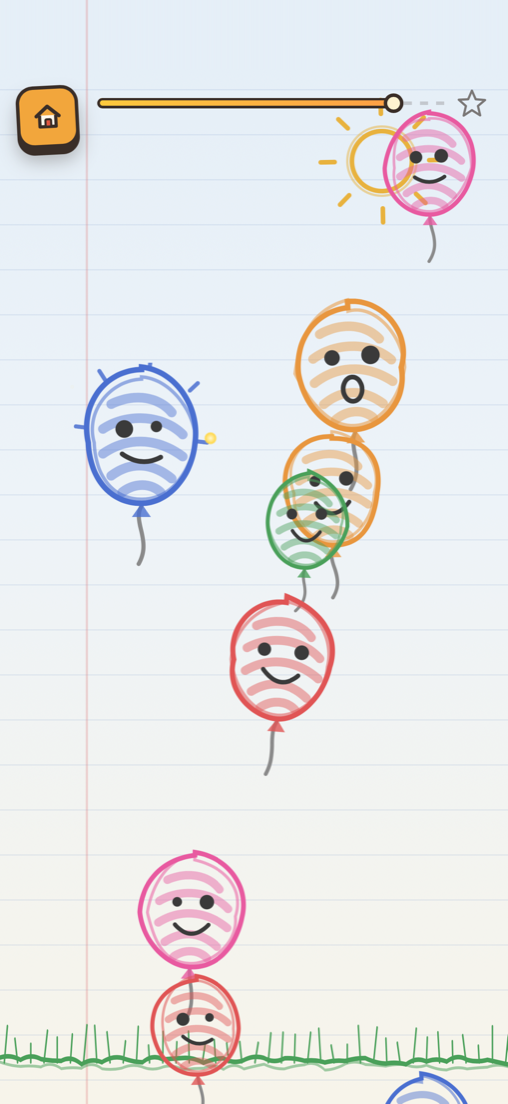
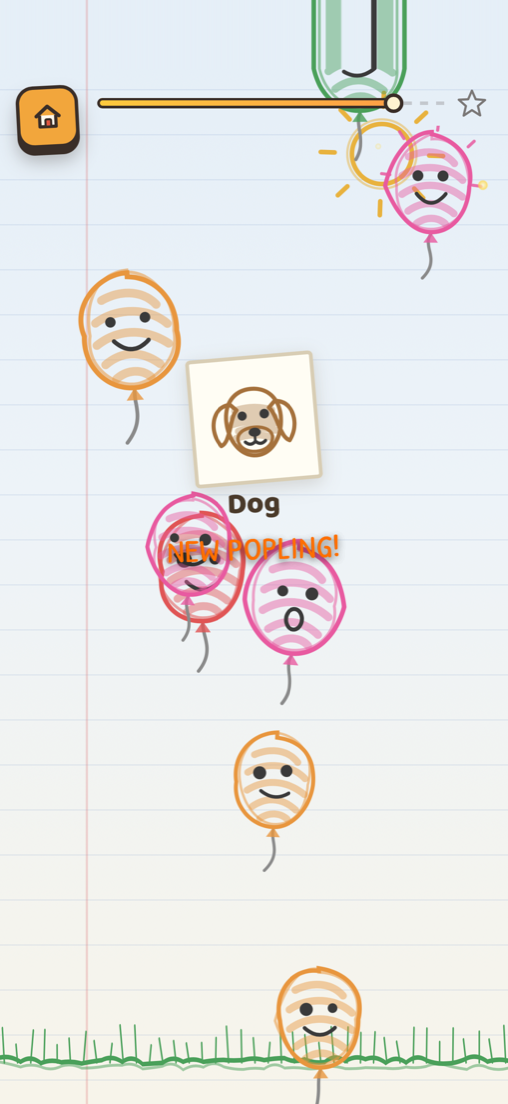
A homework page. Wobbly crayon balloons, scribbled in over the lines.
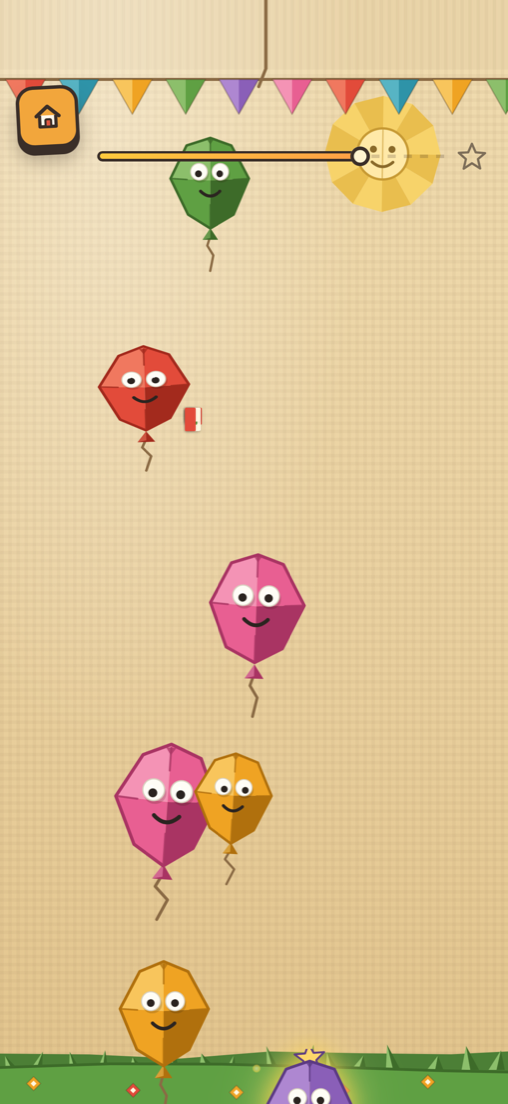
A scrapbook page. Balloons cut from construction paper and taped down.
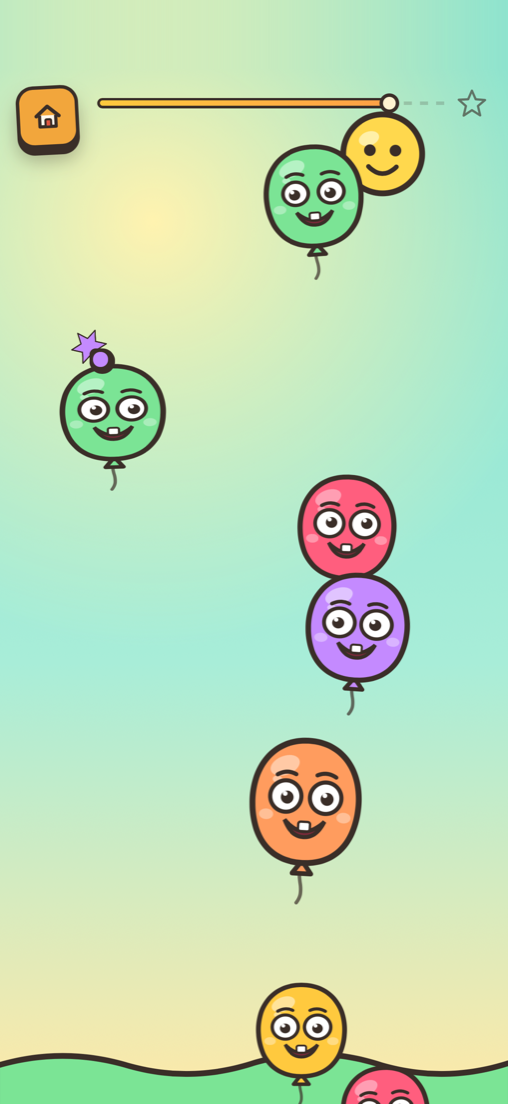
A toy shelf. Soft, glossy little figures that squash when you press them.
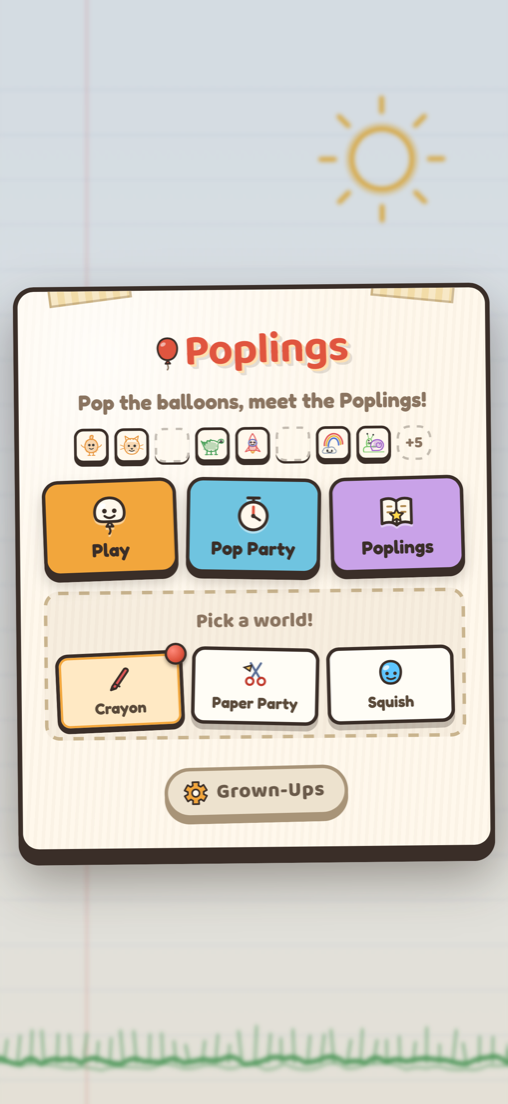
Four things to do, and one of them is just for grown-ups.
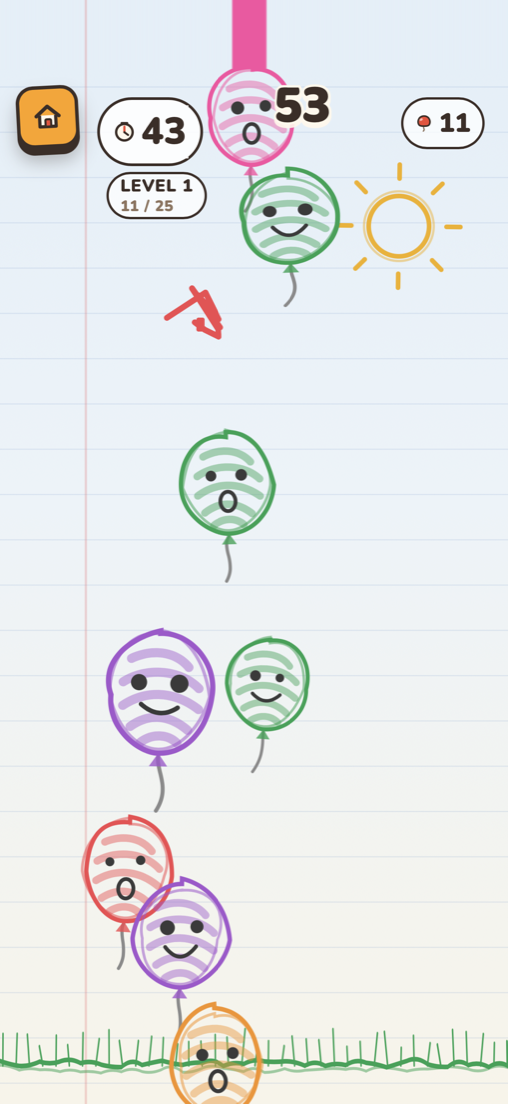
Balloons float up at whatever pace suits. Tap one and it pops with a cheerful little chime. Nothing counts down, nothing keeps score, and nothing ever says you did it wrong.
Every button is big enough for a three-year-old to hit on the first try, and the app never asks a child to read anything to get going.
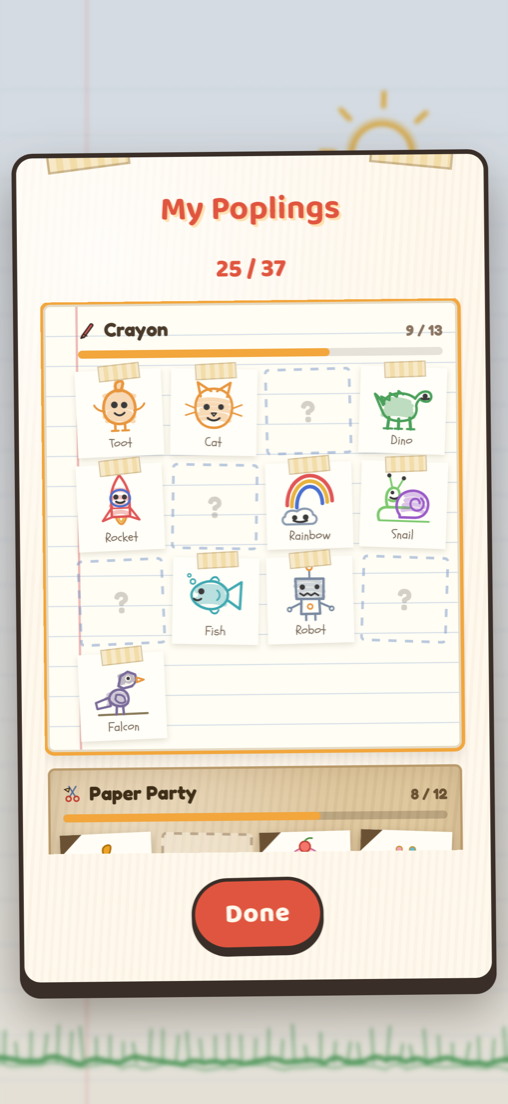
Now and then a balloon has a little creature tucked inside it. Those are the Poplings. Each one gets its own sound, its own name, and a spot in My Poplings.
There are 37 in all, and a crayon cat looks crayoned while a clay bear looks squeezed. Toot, the mascot, turns up in every world. Finding them is the only collecting the app asks for, and it is never behind a purchase.
Every Popling found gets pressed into the book. The empty spots stay visible, which is the whole appeal: a small child can see exactly how much there is left to find.
Tapping one plays its sound again. It works as a quiet activity all by itself.
Older kids usually want something with a bit of a push, so Pop Party is a short timed run with a score. It is the only place in the app where a round can end.
It sits behind its own button and never interrupts calm play, so a younger sibling handed the same phone will not stumble into it.
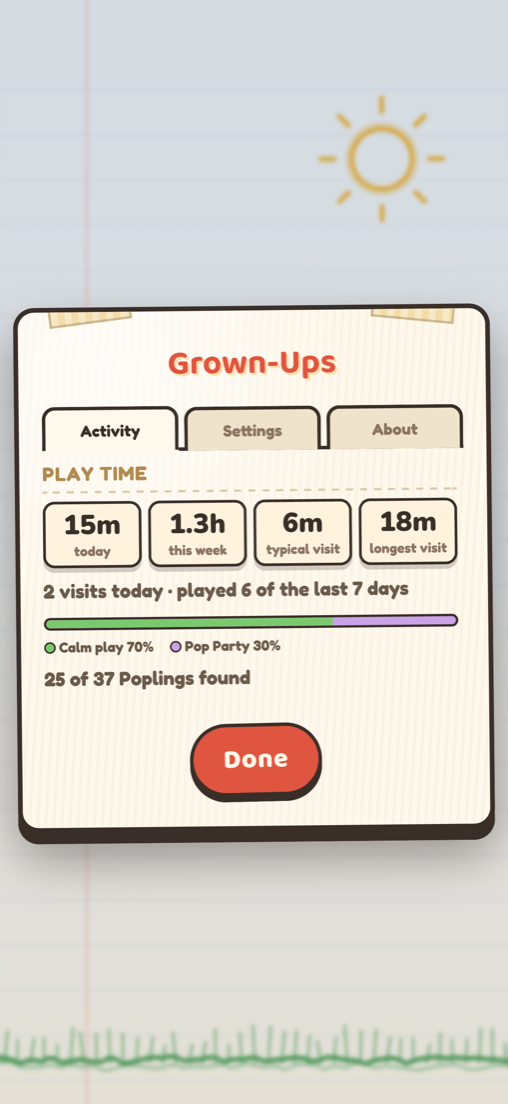
Tucked behind a bit of arithmetic a small child cannot do, you get a plain read on how the app is actually being used: time today and this week, typical visit length, and how the time splits between calm play and Pop Party.
You can also set the difficulty for calm Play (Easy, Just right, or Challenge), adjust the volume or switch on a quiet mode, turn vibration and motion down, and set an optional gentle stop after 10 to 30 minutes. None of it is dressed up as a reward, and none of it turns screen time into a streak to keep.
Here is everything you would otherwise have to dig through a privacy label to find out.